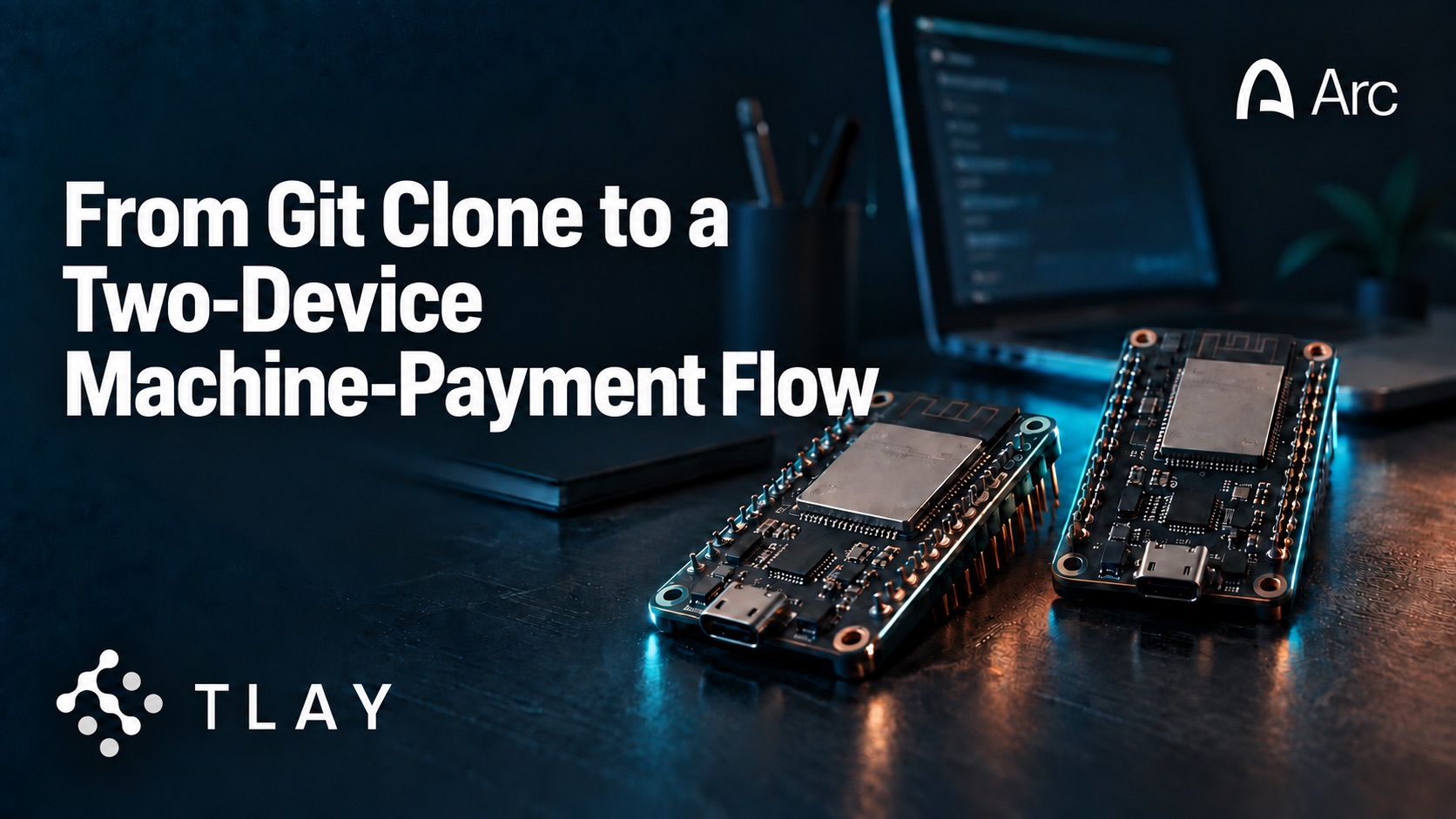
The September 17 demonstration used a drone as a buyer and an Arkreen eCandle as a seller. This guide reduces the physical setup to something that can sit on a workbench: two ESP32 boards and a laptop.
By the end, one board will behave like the eCandle seller and the other like the drone buyer. The seller will publish a usage-based payment request. The buyer will sign a USDC payment authorisation on-device. The seller will collect several authorisations into a batch, and the local interface will display the session, slices and settlement records.
If your environment includes the approved Circle and Arc test credentials, you will also be able to run the separate “Mint to Arc” step and verify the resulting transaction.
This is a reference implementation, not production payment software.
What you need
Hardware:
- Two ESP32-C3 development boards;
- two USB data cables;
- a laptop capable of running Node.js and the firmware toolchain;
- optional serial monitors or a second terminal window;
- stable internet access for the settlement and Arc steps.
Software and accounts:
- Git;
- Node.js 20 or newer;
- ESP-IDF (the reference boards are built with
idf.py set-target esp32c3); - Docker, for the local broker, worker and interface;
- access to the public repository;
- an Arc test wallet;
- the environment values documented in
cloud/.env.example.
1. Clone the repository
git clone --branch v1.0.0 --depth 1 https://github.com/TLAY-IO/arc-drone-show-demo
cd arc-drone-show-demo
Use the release tag associated with the September 17 demonstration (v1.0.0), not the moving default branch.
The repository contains five components, not four — the cloud side has two workers:
apps/drone                 buyer firmware   — the drone
apps/ecandle               seller firmware  — the eCandle
cloud/settle-worker        Path B: forwards validated batches to the settlement service (runs by default)
cloud/burn-intent-worker   Path A: the "Mint to Arc" step (opt-in, behind a compose profile)
cloud/web                  demo UI
The buyer firmware represents the drone. The seller firmware represents the eCandle. settle-worker forwards validated batches to the settlement service and is part of the default stack. burn-intent-worker performs the separately authorised Arc mint and is not started unless you ask for it. The demo UI visualises the session and exposes the mint action.
2. Configure the seller board
The seller has no configuration file to copy. Its settings live in the firmware menu:
cd apps/ecandle
idf.py set-target esp32c3
idf.py menuconfig        # eCandle demo seller
Set the broker URI to the device credentials generated in step 4 and the LAN address of the machine running the broker:
mqtt://device:<device-password>@<your-LAN-IP>:1883The remaining seller policy — device identifier, BLE service name, payment recipient, tick interval, pricing rule, batch size, MQTT destination and network environment — is injected through boat_seller_config_t in apps/ecandle/main/main.c; the library hard-codes none of it.
For the event build the seller published a payment request every five seconds and flushed a batch after six proofs or 30 seconds, whichever came first. Those are the values in the public release: DRONE_TICK_MS = 5000, batch_size = 6, SETTLE_BATCH_MAX_AGE_MS = 30000 — six slices at five seconds is thirty seconds, so the two triggers coincide.
Flash the seller firmware and open the serial monitor in one step:
idf.py -p /dev/ttyUSB0 flash monitorYou should see:
boat-mer v1.0.1 seller initialized
BLE adv mfg_data[5] = 0 (IDLE, ready to connect)
3. Configure the buyer board
The buyer has no interactive configuration either. Its parameters live in apps/drone/main/app_config.h and are overridden at build time with CMake values:
cd apps/drone
idf.py set-target esp32c3
idf.py -B build-testnet -DDRONE_CHAIN_ID=5042002 build      # separate build dir per chain
idf.py -p /dev/ttyUSB1 flash monitor
The Phase-1 defaults in that header are the buyer’s whole policy: power thresholds (power_start_dw = 50, i.e. 5.0 W), tick period (tick_ms = 5000), the liveness watchdog (wedge_secs = 30), the hard-reset timer (hard_reset_secs = 150), and the EIP-712 Gateway domain.
The signing key is not something you supply. On first flash boat_crypto_init() generates an on-chip secp256k1 keypair and persists it in NVS through the BoAT MER PAL — the private key never leaves the chip. The serial log prints only the resulting EOA address. A plain idf.py flash does not touch NVS, so the key — and any Gateway deposit made against it — survives re-flashing.
Never pass --erase-all. It wipes NVS, generates a new EOA, and orphans whatever was deposited for the old one. Do not commit a private key to the repository or paste a production credential into the example configuration.
The board should begin scanning for the seller service:
boat-mer v1.0.1 buyer initialized
EOA: 0x…
BLE scan started, looking for IDLE seller...
4. Start the worker and interface
cp cloud/.env.example cloud/.env
cd cloud
./mosquitto/gen-passwd.sh
The broker requires authentication, and gen-passwd.sh generates random passwords rather than shipping defaults. It prints the two MQTT_URL_* lines once; paste them into cloud/.env and keep the device password for step 2.
Two values ship deliberately empty, and compose refuses to start until you fill them — that refusal is the design, not a fault:
MQTT_URL_WEB=
MQTT_URL_WORKER=
If you are running the seller board, also set the LAN address of this host. Leave it unset for cloud-only testing and the broker stays on loopback, where no board can reach it:
MQTT_BIND_IP=<your-LAN-IP>Bring up the broker, the interface and the settlement worker with one command:
docker compose upTo run them separately, or to add the Arc mint worker:
docker compose up settle-worker
docker compose up web
docker compose --profile mint up     # also starts burn-intent-worker (Path A)
Open http://localhost:3000/demo?live=1.
?live=1 is not optional. Without it the page runs simulation cycles on mock data and animates on its own, which looks like a working system before you have flashed a single board.
The initial screen should show:
- no active session;
- buyer and seller connection state;
- current payment requirements;
- an empty list of payment slices;
- an empty batch and settlement view.
5. Open a machine-payment session
Power both boards. The buyer should discover the seller’s BLE service.
The seller publishes its payment requirements, including the recipient, token/network information, price rule and timing. The buyer validates those requirements against its local policy before opening the stream.
When the session begins, the seller publishes a SliceRequest every five seconds.
Each request contains enough information to bind the authorisation to:
- the current session;
- the seller;
- the amount;
- the network and token;
- a nonce or time window;
- the relevant payment domain.
The buyer signs an EIP-3009 authorisation using its device key and returns a SliceProof to the seller.
In the interface, you should see a new slice appear for each successful request-and-proof exchange.
6. Inspect a signed slice
Scope note for the engineering team: the public release ships no slice-decoding helper, and the interface’s slice stream carries only sliceId, amount and timing — not the buyer/seller addresses, nonce, validity window, domain or recovered signer. Either add a helper before publication or narrow this section to what the release can actually demonstrate.
What the release can verify today is the domain that makes or breaks every signature:
node scripts/eip712-domain-probe.jsThe EIP-712 domain the buyer signs under is the Circle Gateway domain, not the USDC token domain. Get it wrong and the signatures will pass ecrecover but settlement will reject them with address_mismatch — a configuration failure that reads like a signing bug.
A slice is a signed USDC payment authorisation. It is not yet an Arc transaction, and the value shown in the interface is not an Arc transaction hash.
7. Observe a batch
After six valid proofs, or after the configured batch interval (30 seconds by default), the seller creates a batch and publishes it to the worker.
The interface should show:
- the number of proofs;
- total authorised value;
- batch identifier;
- submission state;
- settlement response;
- Circle UUID, when successful.
The Circle UUID proves the settlement request was accepted by the relevant service. It is not an Arcscan link.
If the batch is rejected, the interface and logs should expose a useful reason without printing credentials or full private configuration.
8. Run the separate Arc step
The “Mint to Arc” action stays disabled until the seller has the required cleared balance and the environment is correctly configured. It also requires burn-intent-worker to be running, which the default stack does not start.
Generate an operator wallet once, then bring the stack up with the mint profile:
node cloud/burn-intent-worker/scripts/gen-operator-wallet.js
cd cloud
docker compose --profile mint up
The operator key is read from a file (OPERATOR_KEY_PATH, default ~/.ecandle-secrets/operator.key), never from an environment variable. Under compose, point OPERATOR_KEY_FILE in .env at the host path and compose mounts it read-only.
When triggered, the eCandle seller signs a separate EIP-712 BurnIntent. The worker posts that intent to Circle’s /v1/transfer endpoint for an attestation, after which the operator wallet calls GatewayMinter.gatewayMint(...) on Arc.
This is the action that produces the Arc transaction hash. Expect it to take roughly 7–26 seconds end to end.
After success:
- copy the transaction hash;
- open the approved Arcscan URL;
- confirm network, token, recipient and value;
- compare the transaction timestamp with the session record.
9. Shut down and restart safely
Close the stream before powering down the boards.
Restart the system and verify that:
- stale nonces cannot be replayed;
- a previous session is not silently resumed;
- already submitted batches are not duplicated;
- the UI distinguishes pending, settled and minted states.
One behaviour is worth calling out because it surprises people: the interface’s settlement view is an in-process cache that does not rehydrate from the database, so restarting the web process empties it. The on-chain record is unaffected; only the display is.
After a mint, use the reconciliation helper to confirm that no Circle UUID was minted twice:
node cloud/burn-intent-worker/scripts/post-show-reconcile.js /path/to/worker.logThese behaviours should be part of the public test checklist.
10. Replace energy with your own resource
The demonstration uses energy because it is visible and measurable. The same protocol boundary can represent another resource.
To adapt it:
- replace the meter input;
- define a unit and pricing rule;
- map a measured interval to a SliceRequest;
- set buyer policy and limits;
- preserve nonce and session protection;
- keep settlement and on-chain finality as separate states.
Possible experiments include paid sensor readings, charging time, machine access or short bursts of edge compute.
Troubleshooting
Buyer cannot find seller
Check BLE advertising, service UUID, board permissions and distance.
Signature does not recover the buyer address
Check the EIP-712 domain, chain ID, token contract, value encoding and nonce bytes. Run node scripts/eip712-domain-probe.js — the Gateway domain, not the token domain, is the usual cause.
Slices appear but no batch is submitted
Check batch size, timer, proof-validation status, MQTT connection and worker logs.
Compose refuses to start
If it exits with required variable MQTT_URL_WEB is missing a value, the two MQTT URLs in cloud/.env are still empty. That guard is deliberate: it stops the stack from coming up on a password this repository publishes.
The board cannot reach the broker
By default the broker binds to 127.0.0.1 only, which no separate board can reach. Set MQTT_BIND_IP to this host’s LAN address and use the same address in the firmware broker URI. Only ever bind it to a network you control.
Settlement succeeds but there is no Arc transaction
That can be correct. Settlement and “Mint to Arc” are separate steps.
Mint action fails
Check seller balance, intent signature, network, operator gas and endpoint credentials. A retry is safe: it will not double-charge or double-spend.
Next step
Fork the tagged release, replace the energy meter with your own measurable resource and tell us what two machines you want to connect.
Repository: https://github.com/TLAY-IO/arc-drone-show-demo (tag v1.0.0)